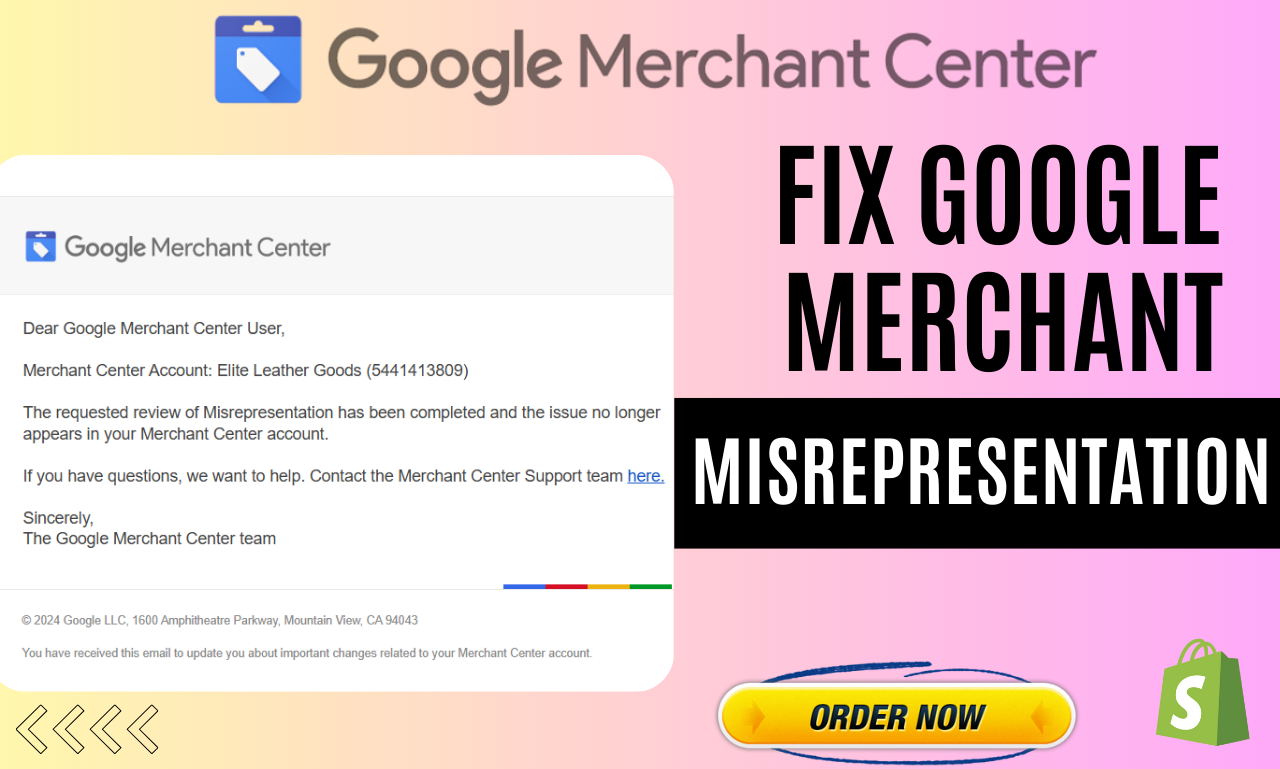
If your Google Merchant Center (GMC) account is suspended for misrepresentation, you are not alone. This is one of the most common and most frustrating suspensions sellers face. The worst part? Google often gives a very generic reason, leaving store owners confused about what exactly went wrong.
I have personally fixed dozens of Merchant Center misrepresentation suspensions for clients across the UK, USA, UAE, and EU — helping them restore ads, relaunch Google Shopping campaigns, and double their revenue after approval.
This guide is written in simple, human English, based on real-world fixes, not theory. If you follow this from start to finish, you will understand:
- What misrepresentation really means
- Why Google flags stores
- How to fix each issue properly
- How to submit a successful appeal
- How I help businesses recover and scale
What Is a Google Merchant Center Misrepresentation Issue?
A misrepresentation suspension happens when Google believes your store is misleading users in any way.
This does not always mean fraud.
It usually means:
- Missing or unclear business information
- Weak or fake-looking policies
- Price, shipping, or tax mismatch
- Poor website trust signals
- Dropshipping-style store setup
Google’s main goal is user trust. If Google feels a customer may be confused, misled, or unable to verify your business — the account gets suspended.
Common Reasons Google Flags Misrepresentation (Real Causes)
Based on dozens of real cases I fixed, here are the most common triggers:
1. Incomplete or Weak Policy Pages
Google checks these very strictly:
- Shipping Policy
- Returns & Refund Policy
- Terms & Conditions
- Privacy Policy
- Contact / About Us page
If policies are:
- Too short
- Copied from another site
- Missing timelines
- Not matching GMC settings
👉 Suspension is very likely.
2. No Clear Business Identity
Google wants to know who you are.
Common mistakes:
- No business address
- No phone number
- Only a contact form
- Gmail or Hotmail email instead of domain email
A real business must look real and verifiable.
3. Shipping & Price Mismatch
This is one of the silent killers.
Examples:
- Website says “Free Shipping” but GMC has shipping cost
- Delivery time on site doesn’t match GMC
- Product price on landing page differs from feed
Even small mismatches trigger misrepresentation.
4. Dropshipping Trust Issues
Dropshipping itself is not banned.
But Google flags:
- No brand identity
- Same product images everywhere
- No unique descriptions
- No real business story
Google wants stores that look like brands, not temporary shops.
5. Poor Website UX & Technical Signals
Google checks:
- Mobile responsiveness
- Page speed
- Broken pages
- Checkout clarity
- HTTPS & security
A weak WordPress setup can indirectly cause suspension.
Step-by-Step: How I Fix Merchant Center Misrepresentation
This is my proven recovery process.
Step 1: Full Website Trust Audit
I review the website like Google does:
- Business identity
- Policy completeness
- Footer & header consistency
- Checkout flow
- Contact visibility
Nothing is skipped.
Step 2: Rewriting Policy Pages (Manually)
I never copy-paste policies.
Each policy is:
- Written in simple English
- Clear timelines (shipping, returns, refunds)
- Country-specific
- Matching Merchant Center settings
This alone fixes 50% of suspensions.
Step 3: Merchant Center Settings Alignment
I make sure:
- Shipping settings = website shipping
- Tax settings are correct
- Business info matches website
- Domain is verified & claimed
Consistency is key.
Step 4: Product Feed Cleanup & Optimization
I fix:
- Misleading titles
- Wrong prices
- Incorrect availability
- Poor descriptions
- Broken URLs
Feeds must match the landing page exactly.
Step 5: Technical & UX Improvements (WordPress)
Because I have 7+ years of WordPress experience, I also fix:
- Page speed issues
- Mobile UX problems
- Checkout confusion
- Trust badges placement
- Schema & structure
This gives Google confidence.
Step 6: Proper Appeal Submission
Appeals are not magic buttons.
I submit appeals only when:
- All issues are fixed
- Website is clean
- GMC is 100% aligned
My appeal notes are clear, honest, and professional.
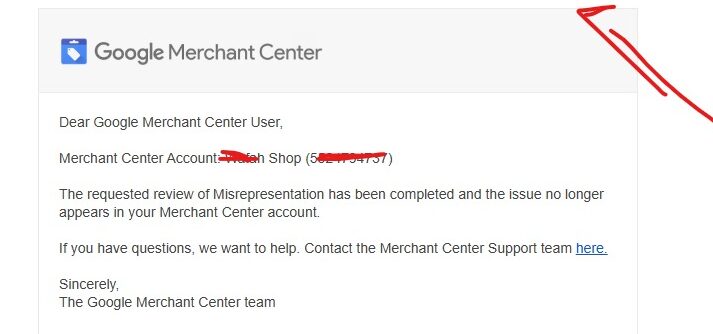
That’s why approvals happen.
How Long Does Approval Take?
Typically:
- First review: 3–5 business days
- Some cases: up to 7 days
If rejected, I re-audit, fix remaining gaps, and reapply.
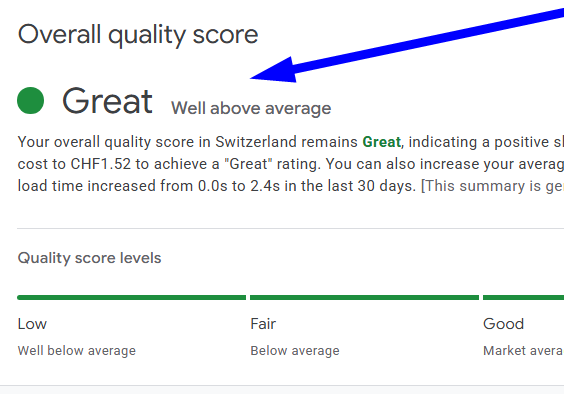
Real Results: Accounts Back, Ads Live, Revenue Up
Clients I helped:
- Got their Shopping ads restored
- Started getting consistent sales again
- Scaled Google Shopping & Search ads
- Doubled revenue after approval
A clean Merchant Center is the foundation of scaling.
About Me & My GMC Services
My name is Syed Saadullah.
I help businesses fix, recover, and scale through:
- Google Merchant Center suspension recovery
- Misrepresentation issue fixes
- Google Shopping Ads
- Google Search Ads
- Product feed optimization
- WordPress technical fixes
- Speed optimization
- Policy compliance setup
I recently started offering dedicated GMC services on:
👉 syedsaadullah.com
Because too many good businesses were losing money due to small technical and trust mistakes.
Who Should Contact Me?
You should reach out if:
- Your Merchant Center is suspended
- Shopping ads suddenly stopped
- Appeal got rejected
- Google gives vague policy errors
- You want a long-term, clean solution
I don’t do shortcuts.
I fix things properly so they stay approved.
Final Words
Misrepresentation suspension is fixable.
You just need:
- Clarity
- Consistency
- Trust
- Proper execution
If you’re serious about recovering your ads and scaling revenue, this guide gives you the roadmap.
And if you want it done fast and correctly, you know where to find me.
— Syed Saadullah