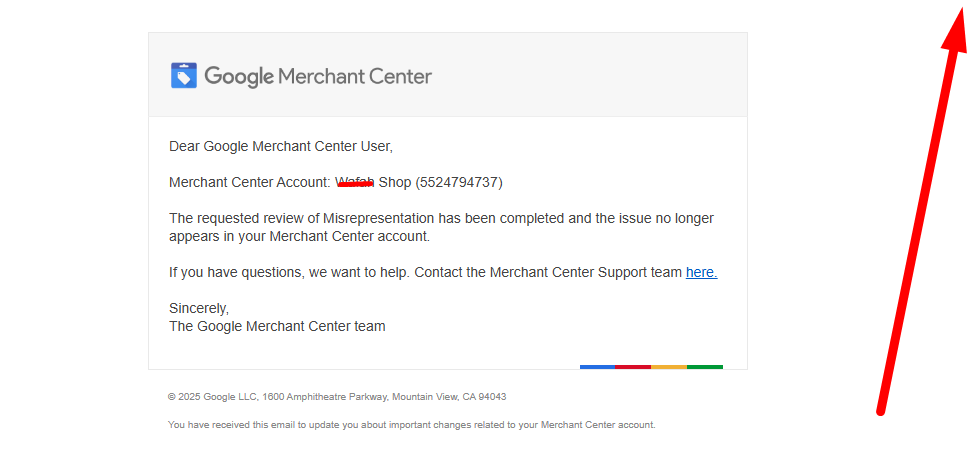
Google has introduced a new identity verification system for Google Merchant Center.
This update requires some sellers to verify their identity using an ID and a live selfie.
Google uses a verification service called Persona to do this.
The goal is simple:
👉 Stop fake sellers
👉 Protect buyers
👉 Make Google Shopping more trustworthy
Why Google Added ID & Selfie Verification
Think of Google like a big shopping mall 🏬
Google wants to make sure:
- Real people are running stores
- Sellers are honest
- Customers don’t get scammed
So Google now checks:
- Who you are
- If you’re a real person
- If your business info is true
This is why identity verification is now required for some accounts.
What Is Persona Verification?
Persona is a trusted identity verification platform.
It helps Google:
- Check your government ID
- Match it with your live selfie
- Confirm you’re a real human (not a bot or fake account)
Persona is already used by:
- Google Ads
- AdSense
- Financial platforms
- Payment companies
Now it’s part of Google Merchant Center too.
Who Needs to Complete This Verification?
You may be asked to verify if:
- Your Merchant Center is new
- Your account was suspended
- Google finds mismatched information
- You changed:
- Business name
- Address
- Ownership
- Your account is flagged for review
⚠️ Not everyone gets it at the same time — Google rolls this out gradually.
What Google Will Ask You For
Very simple 👇
1️⃣ Government-Issued ID
You can use:
- Passport
- National ID card
- Driver’s license
✅ Must be clear
✅ Not expired
✅ Name must match your Google account
2️⃣ Live Selfie (Face Verification)
Google will ask you to:
- Turn on your camera
- Take a real-time selfie
- Sometimes move your head or blink
This proves:
✔ You are alive
✔ You match the ID
✔ No fake images
3️⃣ Matching Business Information
Your details must match across:
- Google Merchant Center
- Google Ads
- Google Payments profile
- Website footer & contact page
Even small mismatches can cause failure ❌
Step-by-Step: How the Verification Process Works
Step 1: Login to Google Merchant Center
Go to your dashboard.
If verification is required, you’ll see:
“Identity verification required”
Step 2: Start Persona Verification
Click Start Verification
You’ll be redirected to Persona’s secure system.
Step 3: Upload Your ID
Take a photo of:
- Front (and back if required)
📌 Tips:
- Good lighting
- No blur
- No cropped edges
Step 4: Take Live Selfie
Persona will guide you:
- Face camera
- Follow instructions
- Takes only 30–60 seconds
Step 5: Submit & Wait
After submission:
- Review usually takes minutes to 48 hours
- Some cases may take longer
You’ll see status updates inside Merchant Center.
Common Reasons Verification Fails
❌ Blurry ID image
❌ Expired document
❌ Name mismatch
❌ Address mismatch
❌ Fake or edited images
❌ Using someone else’s ID
⚠️ Repeated failures can lead to account suspension.
How to Pass Verification on First Try (Important Tips)
✔ Use your own real ID
✔ Make sure your name matches exactly
✔ Update your business info before verification
✔ Use a good phone camera
✔ Don’t rush the process
💡 Calm + clear = approval
What Happens After Successful Verification?
Once approved:
- Your Merchant Center becomes trusted
- Fewer future reviews
- Higher account stability
- Better long-term Google Shopping performance
🎉 You’re good to go!
What If You Fail Verification?
Don’t panic 😌
You can:
- Fix the issue
- Re-submit verification
- Update incorrect information first
If suspended:
- Wait for instructions
- Do NOT submit fake documents
- Follow Google policies strictly
Is This Update Permanent?
Yes ✅
This is not temporary.
Google is moving toward:
- Stronger seller verification
- More transparency
- Long-term trust
Expect identity verification to become standard for all merchants over time.
Final Thoughts (Simple Truth)
This update is not bad ❌
It’s actually good for real sellers ✅
If you’re honest:
- Real business
- Real identity
- Real products
👉 You will pass without problems.